
Make a quiz from your own notes
Photograph your notes and Lexie writes the questions: multiple choice, fill-in-the-blank, matching, and typed recall.
“Thanks a million 😍 i practised with this app and I got a 10- 😭 (in general, I got a 7)”
AdelinaApp Store
How it works
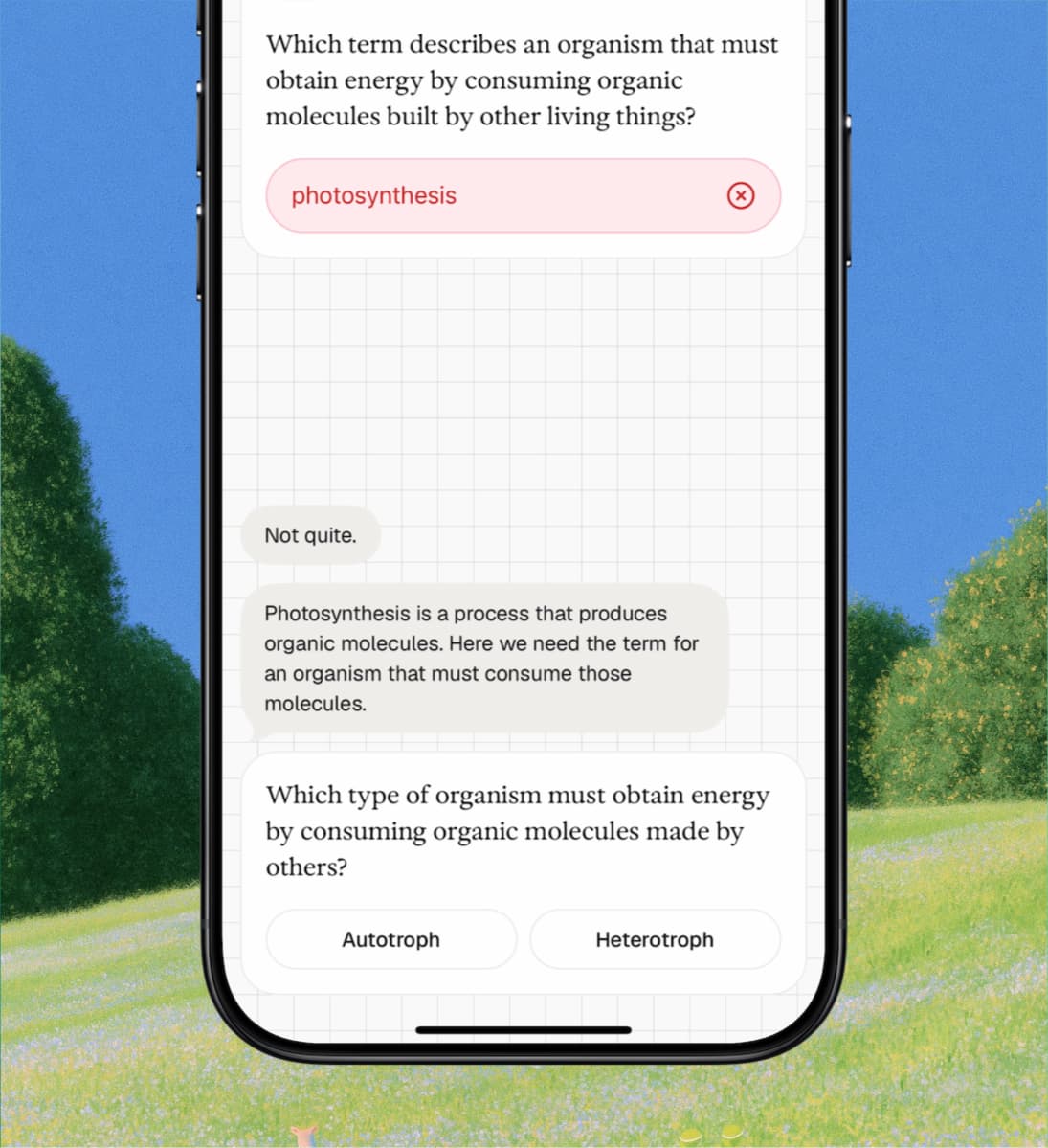
You type the answer from memory. Get it wrong and Lexie says why, then asks a simpler version of the same question.
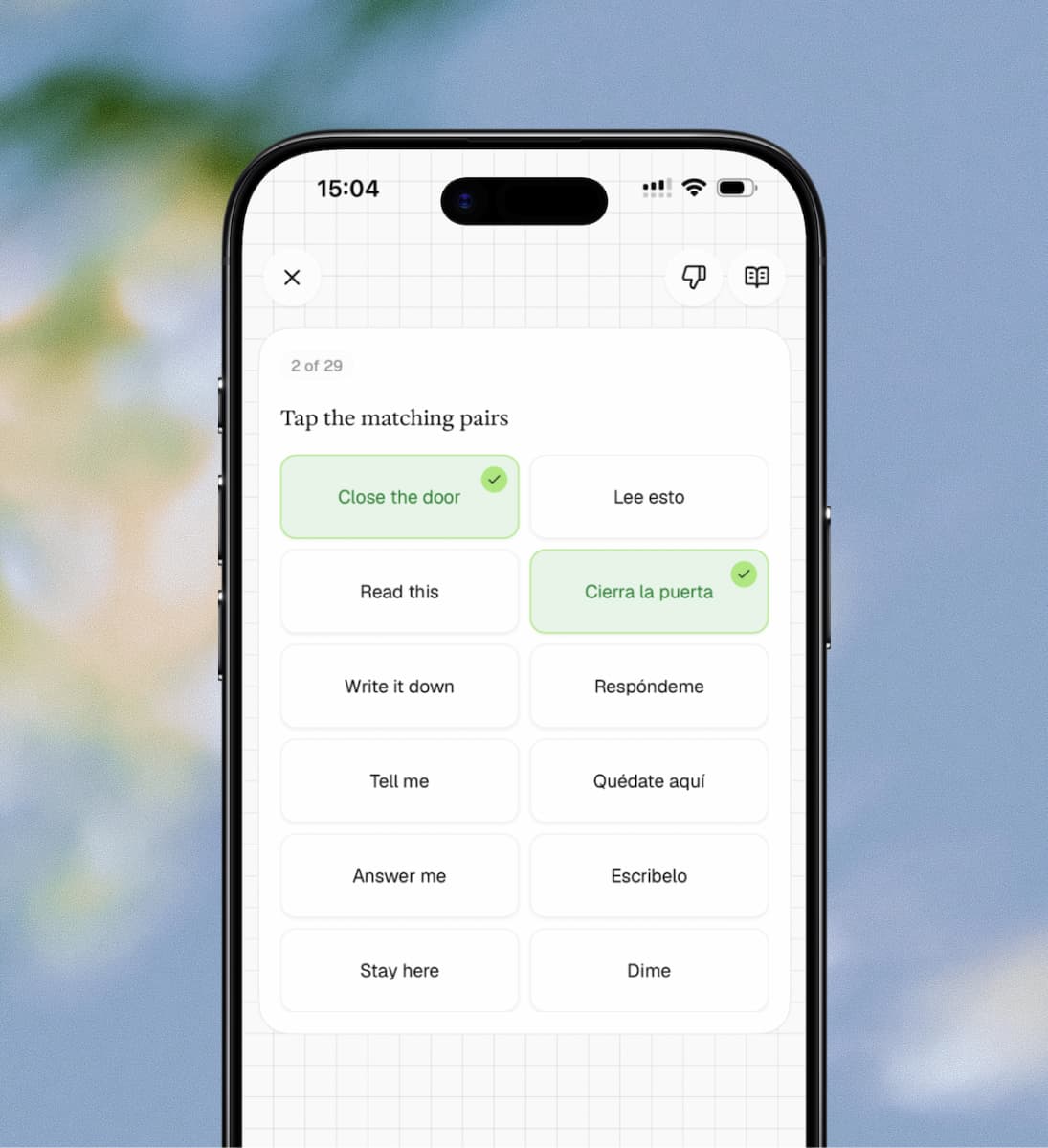
The same material comes back as matching pairs. Tap a term, then tap the one it belongs to.
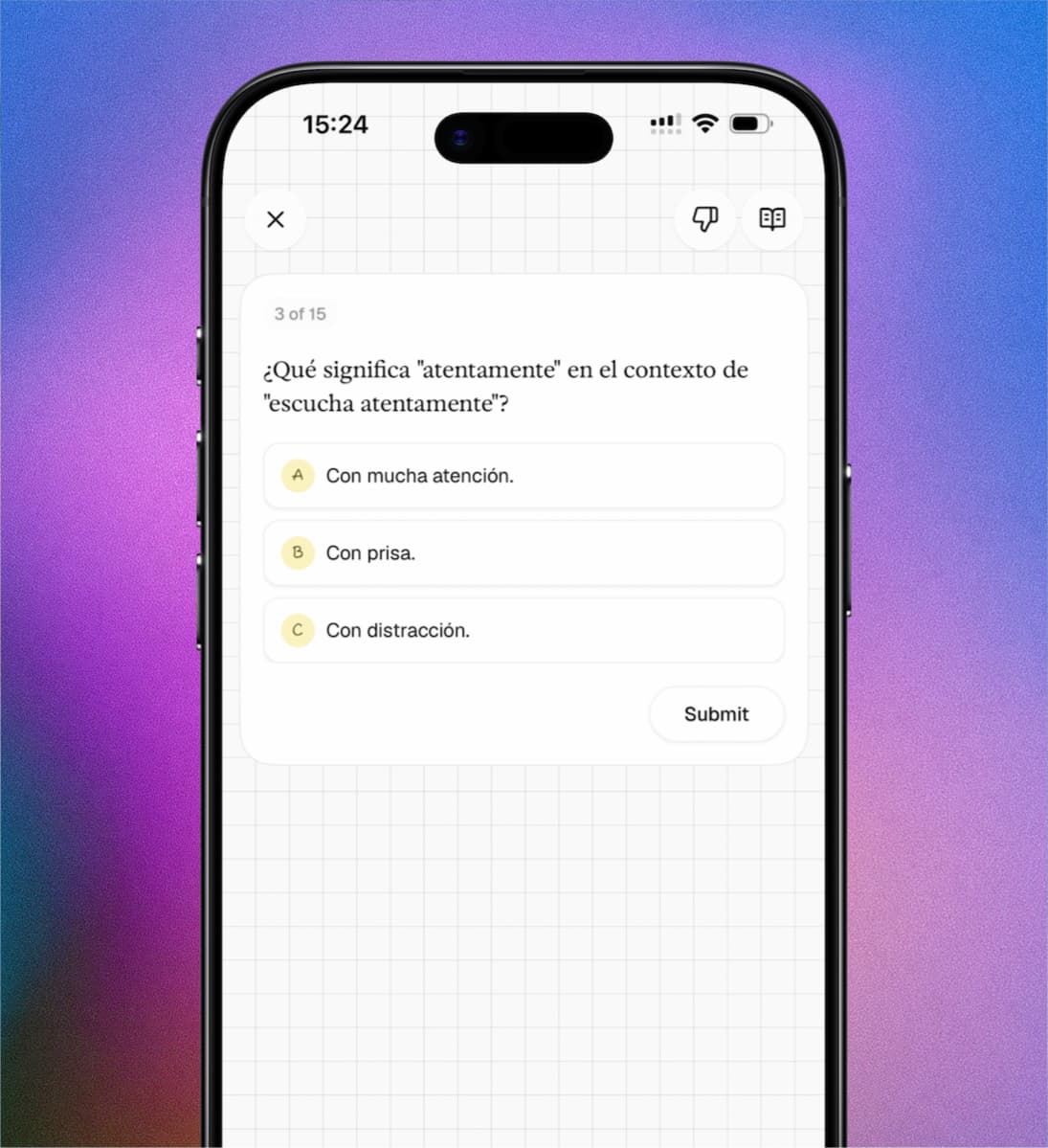
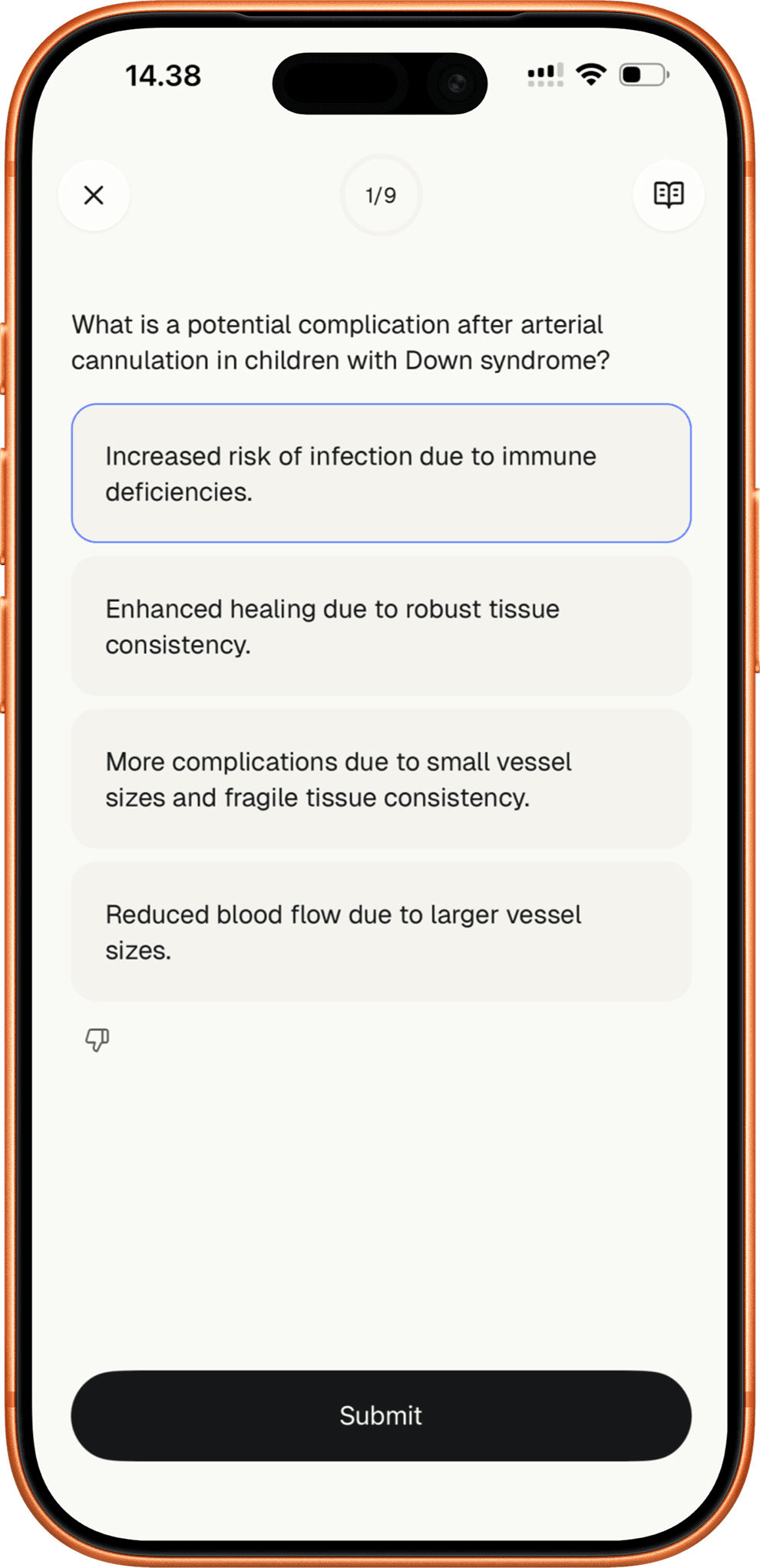
And as multiple choice, with wrong answers plausible enough to make you think about the right one.
The question types
Multiple choice
Four answers you have to think about. The wrong ones are plausible, so you cannot guess your way through.
Fill in the blank
A sentence with a word missing. You type the term from memory instead of picking it off a list.
Matching pairs
Terms on one side, definitions on the other. Fast, and good for building the links between them.
Typed recall
A question and an empty box. The most demanding form of practice, and the most effective.
Built for exam preparation
Feedback on every answer
Every question comes with scaffolded hints if you get it wrong on the first attempt, and detailed explanations for both correct and incorrect answers. You don't just find out you were wrong. You understand why.
Active recall, not multiple choice theatre
Multiple choice gets a bad reputation because most apps generate obvious answers you can eliminate without thinking. Lexie creates plausible distractors that test whether you understand the material. Get it wrong and you'll see why, with scaffolded hints on your first attempt and detailed feedback for every option.
Works with your own material
Your notes, your worksheets, your syllabus. Lexie builds practice from what you're studying, not from a generic question bank. The questions are specific to your content, your course, your exam.
Frequently asked questions
Open Lexie, photograph your notes or worksheet, and Lexie generates a set of practice questions automatically. The questions are based on your specific content, not a generic database. You get multiple choice, fill-in-the-blank, matching, and recall questions in a single session.
Most quiz maker apps are designed for teachers to create quizzes for their students. Lexie is different. It's built for students to generate their own practice from their own material. Photograph your notes and get exam-style questions with detailed feedback and active recall. No manual question creation, no formatting.
Quizlet primarily uses flashcards and simple matching games. Lexie generates multiple question types from your own material, including fill-in-the-blank and typed recall that test deeper understanding. Every answer includes detailed feedback, and missed questions are automatically reshuffled so you focus on your weak areas. Lexie also uses the FSRS spaced repetition algorithm to schedule long-term review.
Yes. Lexie works with any subject and any exam system. Photograph your revision notes, worksheets, or past paper mark schemes and Lexie generates practice questions matched to your content. Biology, chemistry, history, French, maths, law, medicine: any text-based subject in 34+ languages.
No. Lexie generates multiple choice, fill-in-the-blank, matching pairs, and typed recall questions. For science and humanities subjects, it also creates open-ended think questions where you explain concepts in your own words and receive detailed feedback. The question mix adapts to the subject you're studying.
Start with your notes.
Photograph them and Lexie writes the questions.