
Image occlusion
in seconds
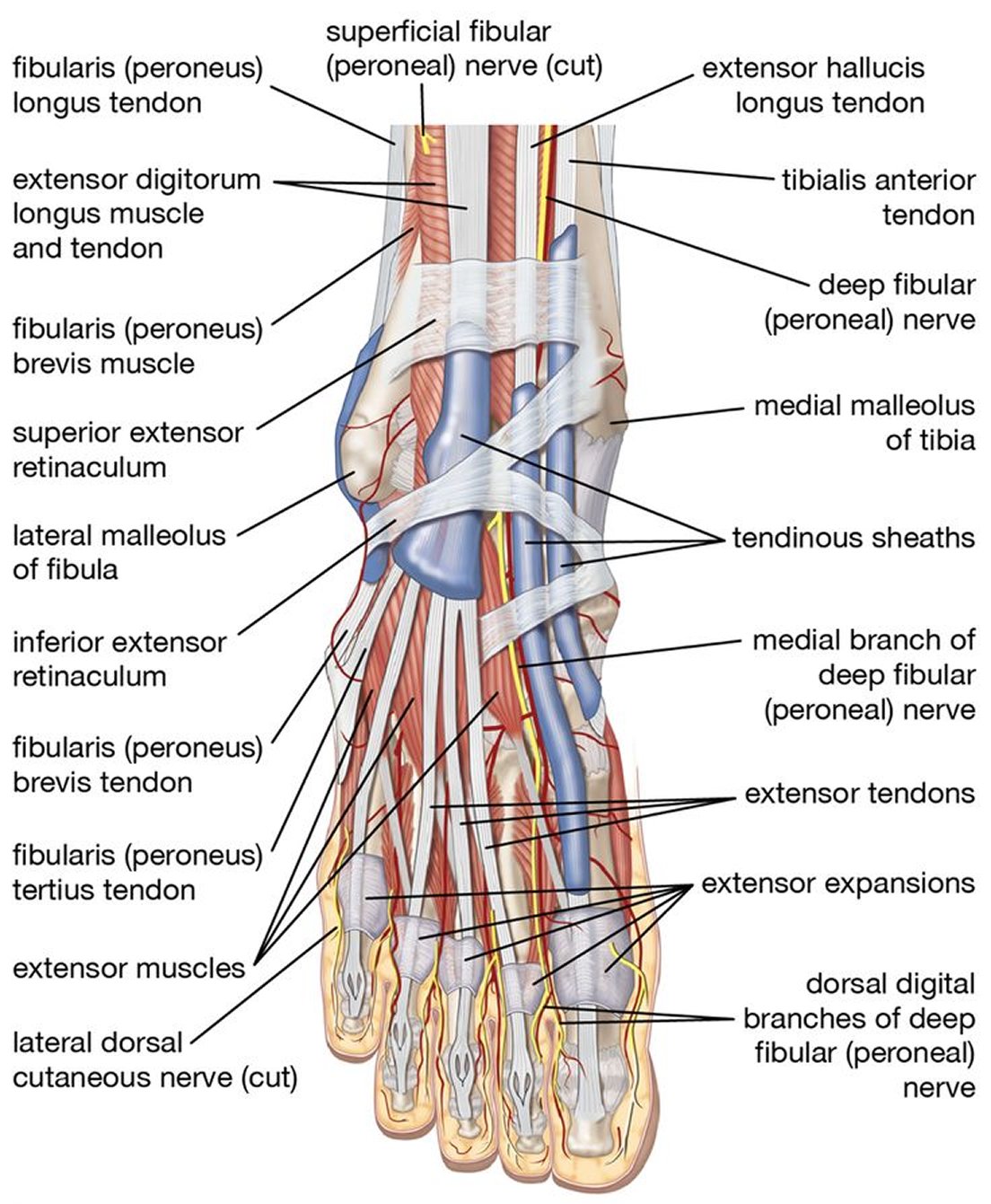
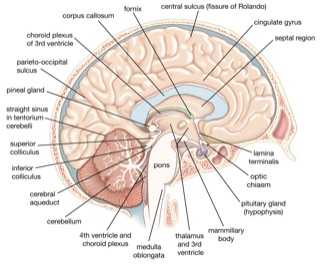
Drop in an image of a labelled diagram you need to memorise, or a whole PDF full of them, and Lexie finds every label and hides it, so there are no boxes to draw. Then type each name from memory, on your phone or in the browser.
“This app is so amazing and helps with studying SO SO SO SO much, I wish I could use Lexie for every exam I have so I wouldn't need to stress 24/7”
Shine PemipaGoogle Play Store review
Getting started is easy
Image occlusion, but automatic
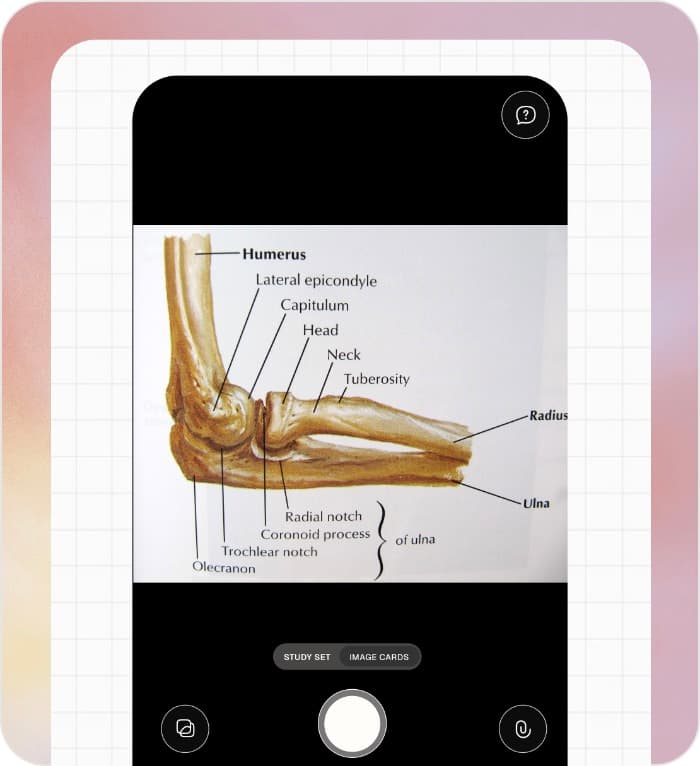
Take a photo, upload an image, or drop in a whole PDF of diagrams.
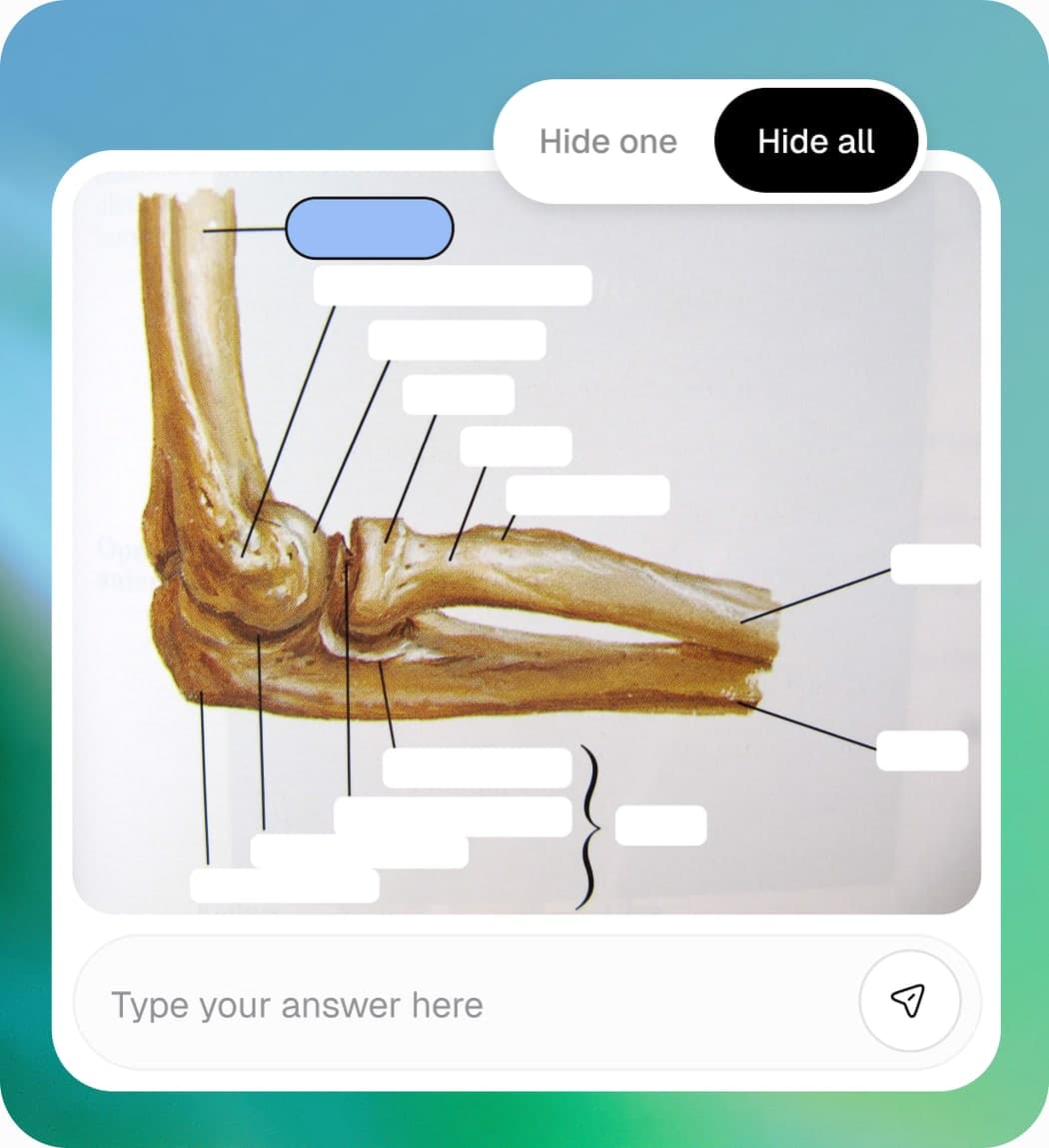
Lexie finds the labels and their positions on its own.
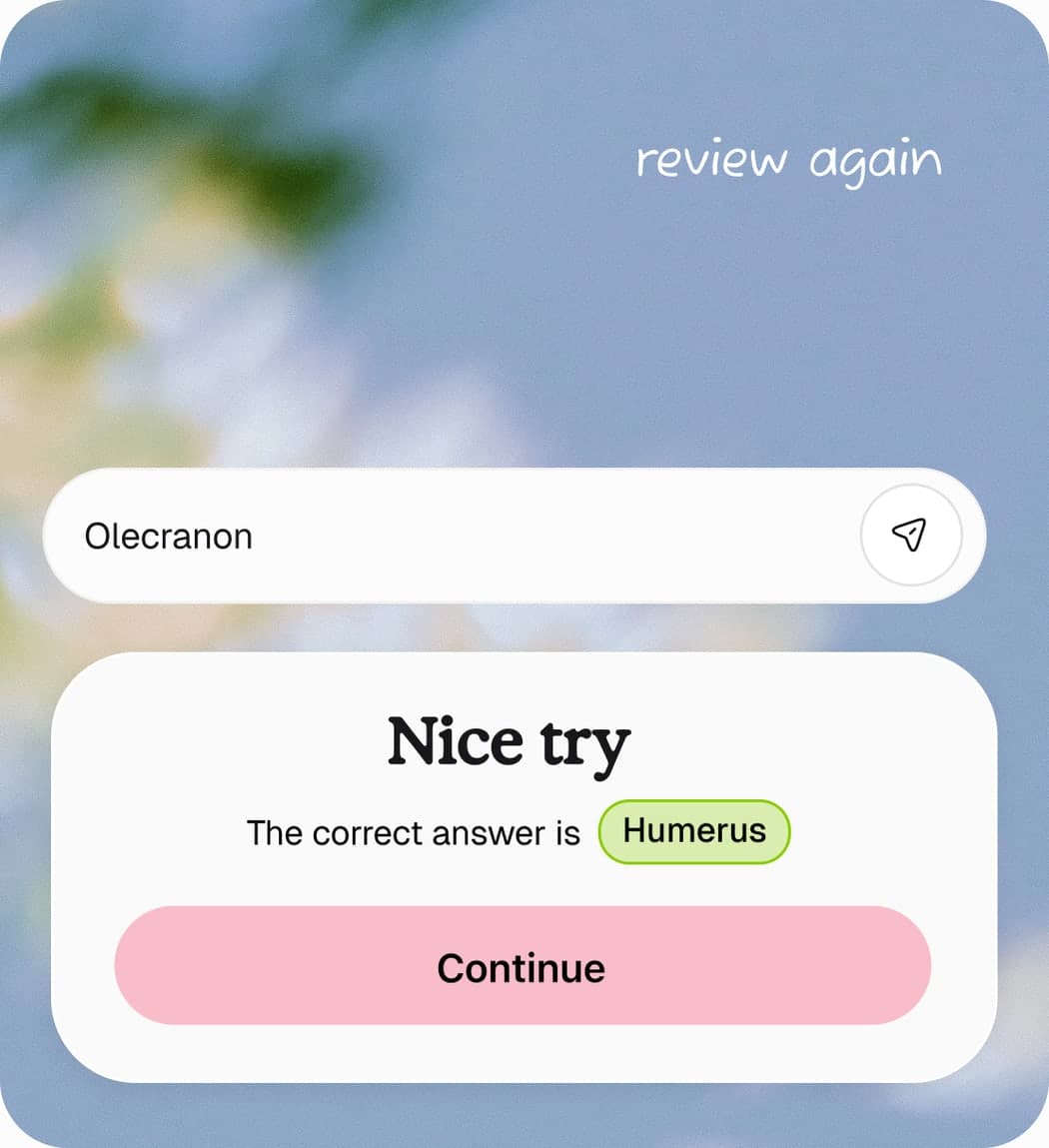
Labels you could not recall or got wrong are tracked.
Built for visual subjects
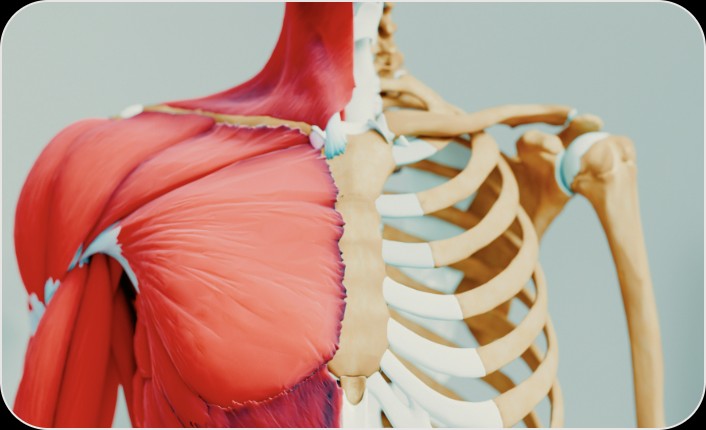
Anatomy
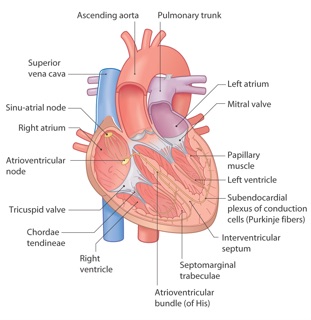
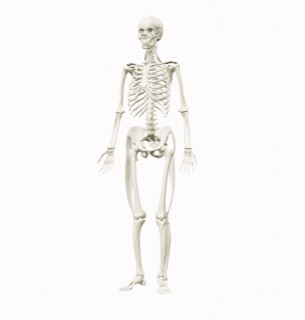
The subject image occlusion was made for. Photograph a skeletal diagram, a cross-section of the heart, a diagram of the nephron. Every labelled structure becomes a typed recall challenge.
Explore the 3D anatomy atlas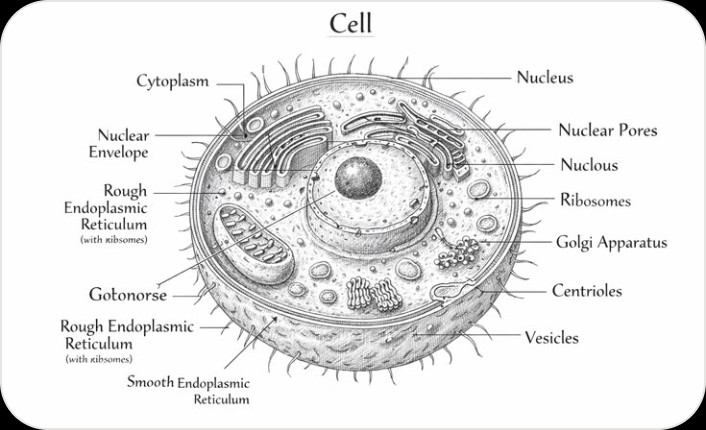
Biology
Cell diagrams, organ systems, ecological cycles, phylogenetic trees. Any diagram where knowing the parts and their relationships matters.
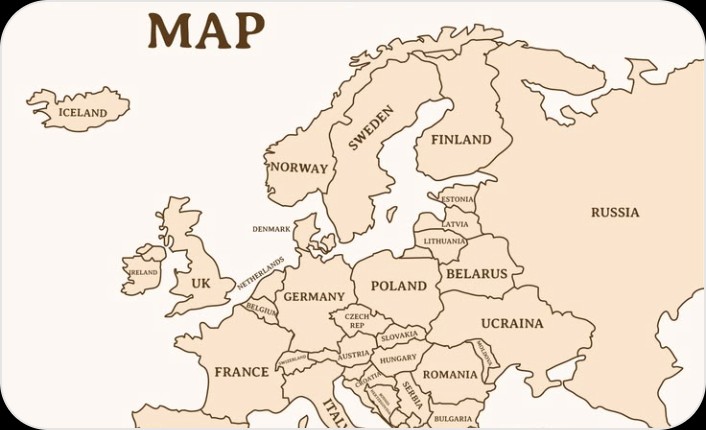
Geography
Maps with labelled countries, capitals, rivers, mountain ranges. Type the name of each hidden location before it is revealed.
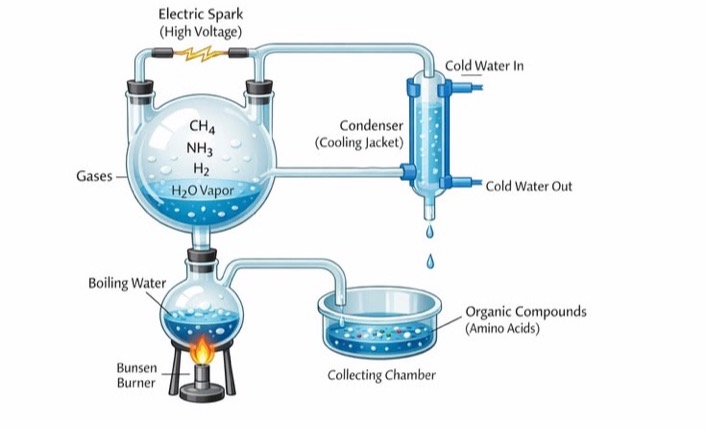
Chemistry
Apparatus diagrams, molecular structures, lab setups. If your exam includes a "label this diagram" question, this is exactly how you prepare.
Why image occlusion works
Some knowledge is spatial
Not everything can be reduced to a text flashcard. Knowing that the mitral valve sits between the left atrium and left ventricle is one thing. Being able to identify it on a diagram is another. Exams test both. Most study apps only prepare you for the first.
Recall, not recognition
Most image occlusion tools let you tap to reveal the answer. That tests recognition: you see the label and think "oh right, I knew that." Lexie asks you to type the answer before it is revealed. That is retrieval from memory, which is far more effective for long-term retention. If you can type it, you know it. If you cannot, you have found your gap.
Image occlusion without Anki
Image occlusion is one of the most effective study techniques for visual subjects. In Anki you draw a box over every label by hand, and the review is tap to reveal. Lexie makes the flashcards from a picture or from every figure in a PDF, in the browser, with nothing to install and no deck to set up, and it asks for a typed answer during review. It is the same method with less setup and stronger recall.
Frequently asked questions
Drop an image of a labelled diagram into Lexie. It finds the labels, hides them, and opens the set. For many diagrams at once, drop in the whole PDF.
Yes, in the browser. Lexie looks at every page, finds each labelled figure, and makes one card for each, all in one study set. The text of the PDF becomes flashcards and a quiz in the same set. A PDF can be up to 10 MB. In the app you take one photo for each diagram.
No. Lexie is its own tool, and it runs in the browser and in the iOS and Android app, with no add-on to install and no deck to set up.
Yes. Three study sets are free, on the web or in the app, and an image occlusion set counts as one of them. A PDF with many diagrams is one set.
Any diagram with text labels. Anatomy illustrations, biology diagrams, maps, circuit diagrams, chemistry apparatus, engineering schematics. If the diagram has labels that name parts, structures or places, Lexie turns them into typed recall.
Lexie reads the text in the picture and its position, then groups the words into labels. You can fix a label, split one, or leave one out before you start.
Two differences. Anki asks you to draw a rectangle over every label with an add-on. Lexie does that from one photo. And Anki reveals the answer when you flip the card. Lexie asks you to type the answer before it shows it, which is a stronger form of retrieval.
Yes. Photograph a diagram you drew and labelled by hand. The labels need to be legible, but they do not need to be typed or printed.
Yes. Image occlusion is one of the most used study methods in medical education. Add an image of any labelled anatomy diagram, or of your own sketch, and start reviewing right away.
Start practising.
Upload a labelled diagram or a whole PDF and get image occlusion flashcards. Free to try, in the browser.