

“This app is so amazing and helps with studying SO SO SO SO much, I wish I could use Lexie for every exam I have so I wouldn’t need to stress 24/7”
Getting started is easy
Lexie finds out what you need to learn, and then makes you practise.
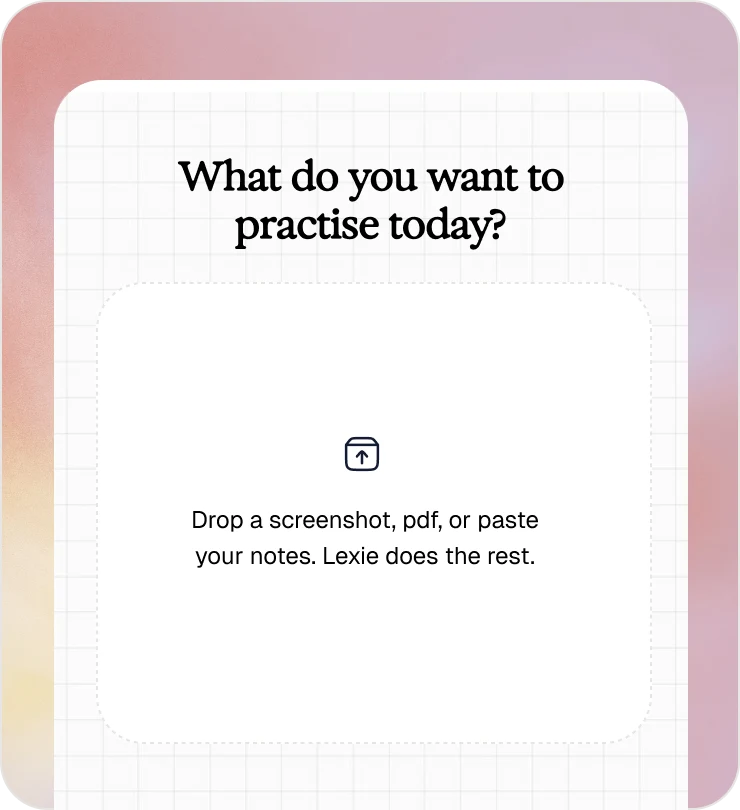
All you have to do is take a photo or upload your work
Lexie breaks down the content into key concepts and finds out the best way to practise them
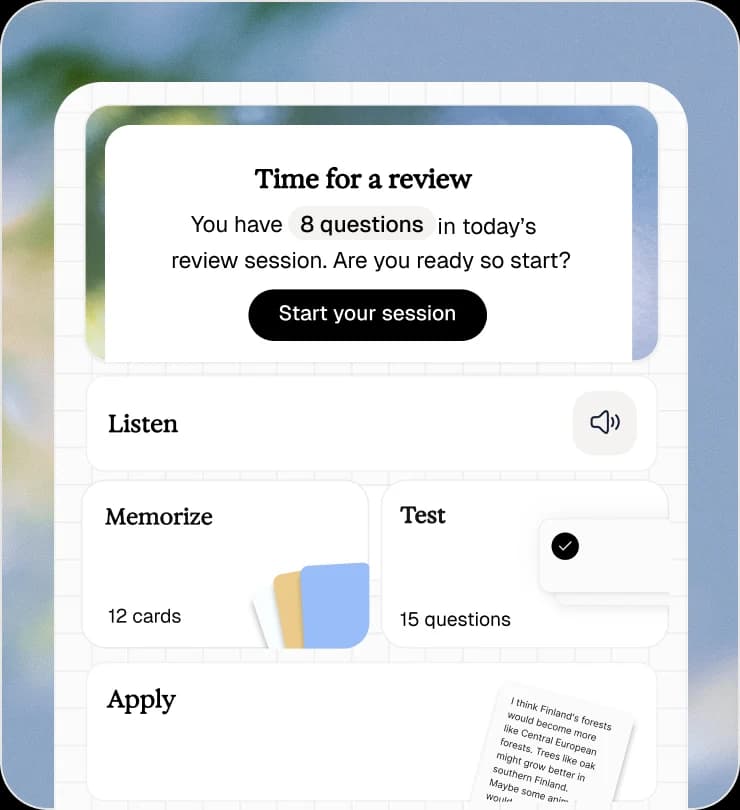
Memorize, test, think, listen, read. Your work turns into five ways to learn it.

Frequently asked questions
Yes. Three study sets are free, on the web or in the app. Sign in with your email, paste your notes or upload a file, and the cards are ready in a few seconds.
Yes, on the web. You sign in with your email and a six-digit code before Lexie makes your first set. There is no password, and your sets are saved to your account. The app works without an account.
Pasted text, a PDF up to 10MB, or images of your handwritten notes, lecture slides and worksheets. Lexie reads the content and pulls out what is worth testing.
It depends how they are made. Most tools cut your text into question and answer pairs, which produces cards that test wording rather than understanding. Lexie identifies the concepts in the material first, then writes cards that make you retrieve them.
Anki has excellent spaced repetition but you write every card yourself. Quizlet is quick but its practice leans on recognition. Lexie writes the cards from your own material and schedules them with FSRS, so you get Anki-grade review without building the deck by hand.
Any subject where the material is text or images: biology, history, medicine, law, languages, psychology. It handles material in several languages and writes the cards in the language of your source.
Keep the cards you made
Lexie schedules every set with spaced repetition so you review a card just before you would forget it. Three study sets are free.